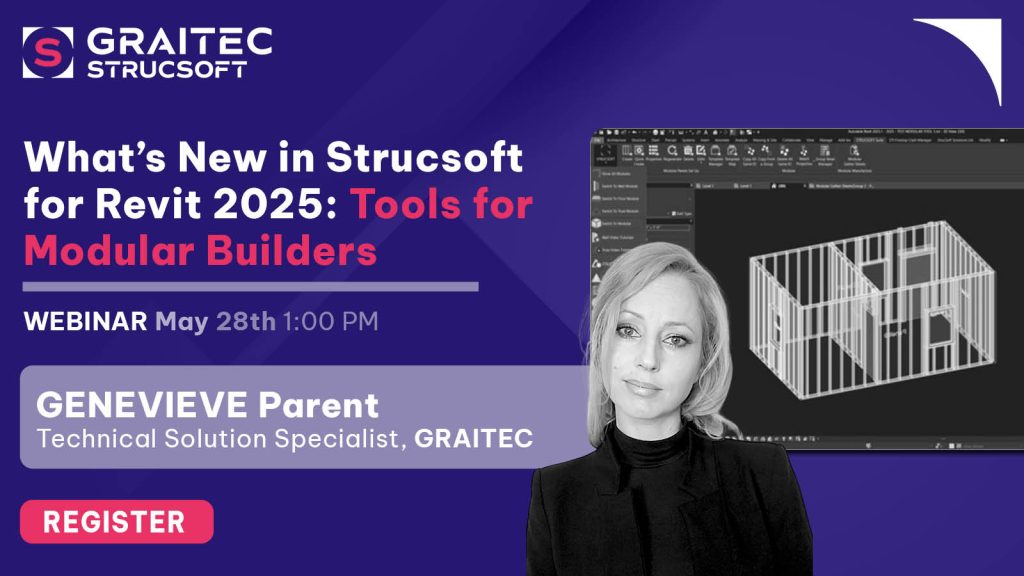
We’re thrilled to announce the latest release of Strucsoft (previously Strucsoft), packed with innovative tools designed to streamline Revit framing and enhance your modular construction projects. Download it today by heading to your client portal.
This release (Version 2.41 Build 9253) introduces three standout features: 3D Panel Viewer (Beta), a New Modular Menu, and Custom Built-up Sections for Joins. Each feature is crafted to boost efficiency, improve visualization, and simplify complex tasks.
Let’s dive into what’s new and how these enhancements can transform your framing workflow.
New Modular Menu: Smarter Tools for Modular Construction
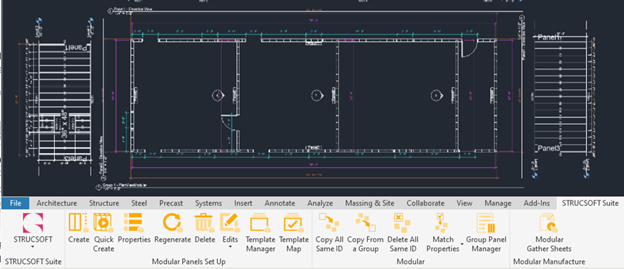
As modular construction gains momentum, Strucsoft continues to evolve its tools to support more intelligent modeling. The Modular Menu introduces Phase 2 of Modular Improvements, with a centralized workspace for managing Revit groups — whether you’re designing pods, modules, or complete prefabricated systems.
Key highlights:
- Dedicated Modular Ribbon: A new hub for all modular modeling and drawing tools.
- Revit Group Support: Design and manage wall, floor, and ceiling panels within Revit groups.
- Optimized for clarity and consistency: Generate and manage drawings directly from the modular ribbon with a more logical, organized workflow.
- Your Go-To Spot for Modular Tasks: Eliminate confusion with one centralized location for modular paneling tasks.
This feature helps modular builders maintain precision while simplifying drawing management across complex prefabricated structures.
3D Panel Viewer: Visualize Changes in Real Time
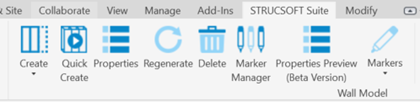
The brand-new 3D Panel Viewer (Beta Version) brings a complete overhaul to how users interact with panel properties. For the first time, you can see changes in real time before applying them in Revit — reducing guesswork and improving confidence in your configurations.
Key highlights:
- Live Preview Window: Instantly see the effect of your changes in the preview window before pushing them to the model.
- New Feature Selection Columns: ‘Available Features’ and ‘Current Features’ columns make it easier to toggle panel features on or off and clearly visualize what’s in use.
- Streamlined Workflow for Standard Panels: Structural Framing features (formerly under the Miscellaneous tab) are now seamlessly integrated for Standard panels.
- Flexible Use: Not ready to switch? No problem — the legacy panel Properties interface remains accessible.
This viewer is a leap forward in helping users better understand and control what’s happening inside their panel configurations.

Custom Built-Up Sections for Joins – Save and Reuse Your Designs
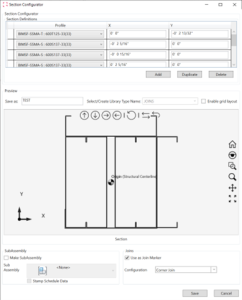
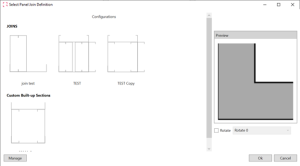
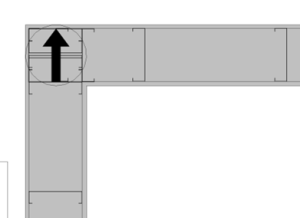
Managing complex join conditions just got easier. With enhancements to the Custom Built-up Configurator, users can now define and save built-up sections as Join Markers — improving consistency and cutting down repetitive work.
Key highlights:
- Reusable Join Markers: Save any custom built-up section as a Join Marker for quick application across projects.
- Boost Efficiency: Save any custom built-up section as a Join Marker for quick application across projects. .
- Improve accuracy: Maintain uniformity across builds and ensure every detail is accounted for. .
This update is a must-have for teams aiming to reduce manual effort while keeping their designs consistent and accurate.
Your Feedback Matters
At Strucsoft, we’re committed to empowering our users with tools to make Revit framing smarter, faster, and more intuitive. We can’t wait for you to experience more productivity gains and time savings.
Looking to share feedback or suggest new features? Head over to Graitec Advantage and drop us a message!
Want to see the new features firsthand?
Register for the New Release webinar on May 28th!