Five questions cover most of what people want to know about offsite construction: what it is, its most important elements, what materials and software work best, and how a project actually moves from design to fabrication. Read on for the answers!
1. What is Offsite Construction in Simple Terms?
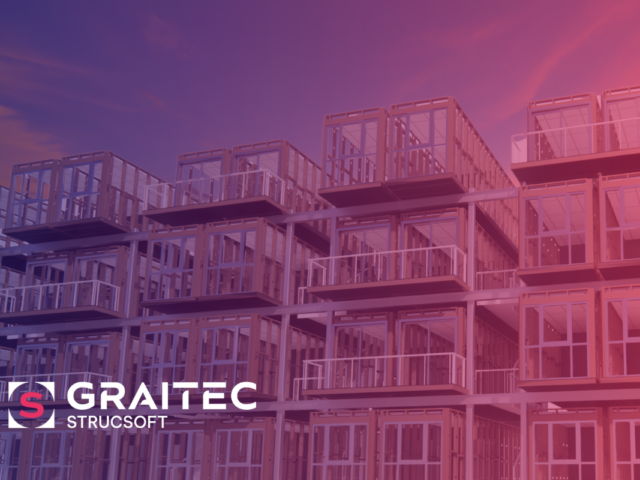
In simple terms, offsite construction is the process of manufacturing a building inside a factory, transporting it to the construction site, and assembling it there.
That doesn’t mean the entire building is built in the factory from top to bottom. In practice, it’s usually large sections of the building that are produced in the factory — anything from full apartment-sized modules to individual components like walls, floors, or roof cassettes – which are then shipped to site and assembled into the final structure.
As a result, buildings are built significantly faster that traditional construction. Because work happens in a controlled factory environment, components can be produced with consistent quality, while site preparation continues in parallel. Combined with reduced on-site labor and shorter project timelines, offsite represents a cost-effective approach for many residential, commercial, and institutional projects.
2. What are the most important elements of offsite construction?
Offsite construction rests on two pillars: design, and manufacturing. Between those two pillars is the data flow, that connects them. The smooth flow of accurate data is what closes the gap between the design team, and the manufacturing team on the shop floor.
The design is where either the modules or individual components are digitally modelled in a BIM environment. Every element has to be modeled with precise detail – usually in Revit – so that it can be translated smoothly down to the shop floor. This means each wall panel, connections, service holes for wiring, and any intersections are resolved before manufacturing beings. This differs from traditional or stick-built construction, where a fair amount of decision happens in the field. In offsite construction, it happens in the BIM model.
Manufacturing is where digital design becomes physical. This is where the wall panels and floor cassettes are transformed into CNC code, where machine operations are set, and operational logistics are put in place.
3. What materials are best suited for offsite construction?
The two materials best suited for offsite construction are steel and wood. Both are used widely across residential, commercial, and industrial projects. Both offer a high a strong strength-to-weight ratio, broad availability, reasonable raw material costs, and high “machinability” or the ability to be cut, punched, and shaped accurately by automated equipment. Both also offer environmental benefits, including waste reduction at the factory level and recyclability at end of life.
Steel comes in many grades and applications, but for offsite, modular, and prefab construction, light gauge steel (sometimes known as cold-formed steel, or CFS) is by far the most commonly used type. As the name suggests, it’s lightweight, making it easier to handle, transport, and assemble, while still being structurally strong. It can be roll-formed and machined into a wide range of profiles and shapes, and doesn’t warp, shrink, or twist with moisture. Those properties make it especially well-suited to factory production.
Wood is the only renewable construction material at our disposal today, which gives it a category of its own. It’s been the go-to material not only for stick-built residential construction for generations, but offsite manufacturers have used it just as heavily for home-building. Pound-for-pound, dimensional lumber is nearly as strong as light gauge steel, and in many markets it’s more cost-effective — particularly for low-rise residential where the structural demands suit it well. Engineered wood products like LVL, glulam, and CLT have also expanded what’s possible, allowing wood-framed offsite construction to reach into mid-rise and even taller buildings.
It’s worth noting that precast concrete also has a long-standing role in offsite construction, however it sits outside the scope of this article which is focused on framing.
4. What software is used for offsite construction design?
The software landscape for offsite construction design can be broadly split into two categories: Revit-based and non-Revit alternatives.
Revit is the most widely used BIM platform in the AEC industry, with the largest connected ecosystem of plugins, integrations, and downstream tools. For most design teams, an architectural model already exists in Revit by the time offsite manufacturing enters the picture. This makes it the natural starting point for the structural and fabrication work that follows.
That said, Revit’s vanilla capabilities aren’t enough on their own. Today’s framing detailers work under tight deadlines where time, accuracy, and efficiency are paramount, and the out-of-the-box toolset isn’t built for the speed or specificity that offsite production demands. This is where Revit plugins come in, extending the platform with the framing, panelization, and fabrication-output features that offsite workflows actually need.
Strucsoft is a leading example. It is a Revit plugin that adds the framing layer for both wood and light gauge steel directly on top of the architectural model. From a single Revit environment, designers can frame walls, floors, and roofs; panelize the model; produce shop drawings; and generate the machine data the factory needs to build. Paired with ONYX, its cloud-based companion tool, that same model can drive CNC data generation, fabrication logistics, and component tracking — turning the BIM model into a live production system.
The non-Revit category includes standalone platforms that can be powerful in the right context. However the trade-off is that they sit outside the Revit ecosystem most architects already work in, which often means re-modeling or translating data between platforms. This can potentially result in a break in the flow of data, resulting in errors and loss of productivity, eroding the offsite advantage.
5. What Does a Typical BIM to Fabrication Workflow Look Like?
A well-run offsite project has a continuous data flow from the design model all the way to the factory floor — the digital thread we touched on earlier. To make this concrete, it helps to walk through what that looks like in practice. We’ll use a Revit-based workflow with StrucSoft as the example, since it’s representative of how offsite design and fabrication are typically tied together today.
- Architectural model in Revit. The process begins with the architectural model, which defines the building’s geometry, layout, openings, and overall design intent. Architects build this in Revit as they normally would. At this stage, the model captures what the building is, but not yet how it will be built.
- Structural framing layer added with StrucSoft. Once the architectural model is in place, the structural work begins. StrucSoft runs inside Revit and adds the framing layer directly on top of the architectural model — every stud, plate, joist, header, and connection needed to actually build the walls, floors, and roof. In an offsite workflow, this framing isn’t generic; it’s modeled to reflect exactly how each panel, cassette, or module will be manufactured, transported, and assembled. Openings, service penetrations, fastener patterns, and panel splits are all resolved here, in the model, before anything reaches the shop floor.
- Panelization and detailing. The framed model is then broken down into the discrete panels or modules the factory will produce. Each panel is detailed with the information the shop floor needs: member-by-member layouts, labeling, sheathing, hold-downs, and connection details. Shop drawings are generated directly from the model rather than redrawn separately — which is one of the points where offsite workflows most often break down if the wrong tools are used.
- Data export to manufacturing. Once the model is panelized and detailed, the data is exported in the formats the factory’s equipment requires — typically machine-readable files that drive saws, framing tables, and roll-formers. Because this data comes directly from the model, there’s no re-keying or manual translation between design and production.
- Fabrication and tracking on site. Panels are manufactured, labeled, and shipped to site for assembly. Each component can be tracked back to its source in the model, so if a question comes up during assembly — or during a future renovation — there’s a clear digital record of what was built, where it came from, and how.
Ready to Take Your Offsite Construction Project to the Next Level?
Whether you’re framing in wood or light gauge steel, StrucSoft turns your Revit model into a fabrication-ready production system — driving CNC data, shop drawings, and on-site tracking from a single source of truth. Get in touch with our team to see how Strucsoft and ONYX can fit into your offsite workflow.
See the Panel Checker in progress...
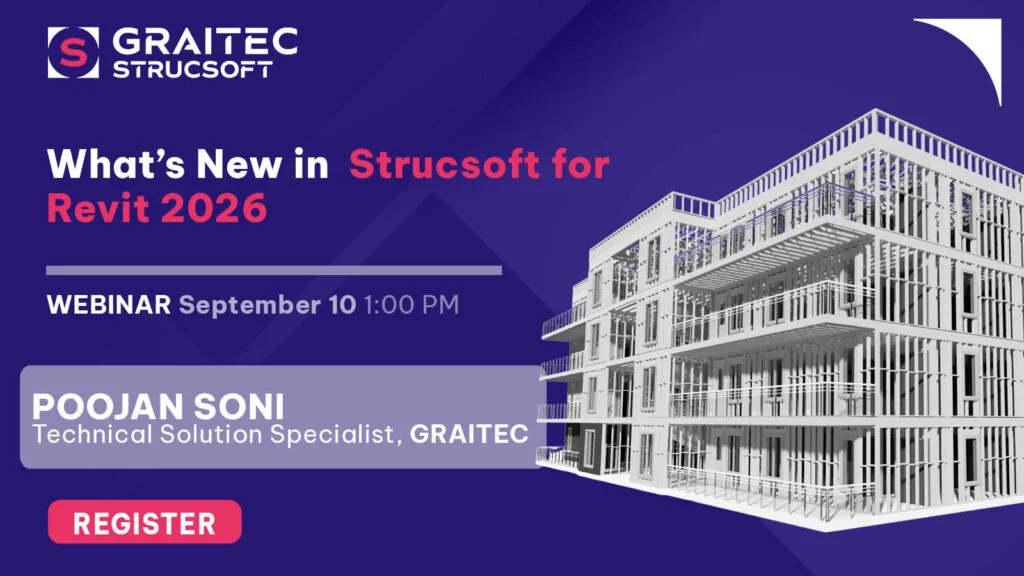
Register for the New Release webinar on September 10th!